DIY Iron-On Decals for Purses, Pouches & Gifts This Mother’s Day
If you’ve spent any time here, you probably know I really love DIY projects. I also enjoy trying new craft tools—I get excited testing fresh equipment like a kid sampling the newest candy. Today’s find is one I’ve become obsessed with.
After making DIY ornaments last year with my Cricut Maker, I wanted to see what else I could create. The answer: so many possibilities. This time I paired my Cricut Maker with the Cricut EasyPress 2, and I’m hooked.
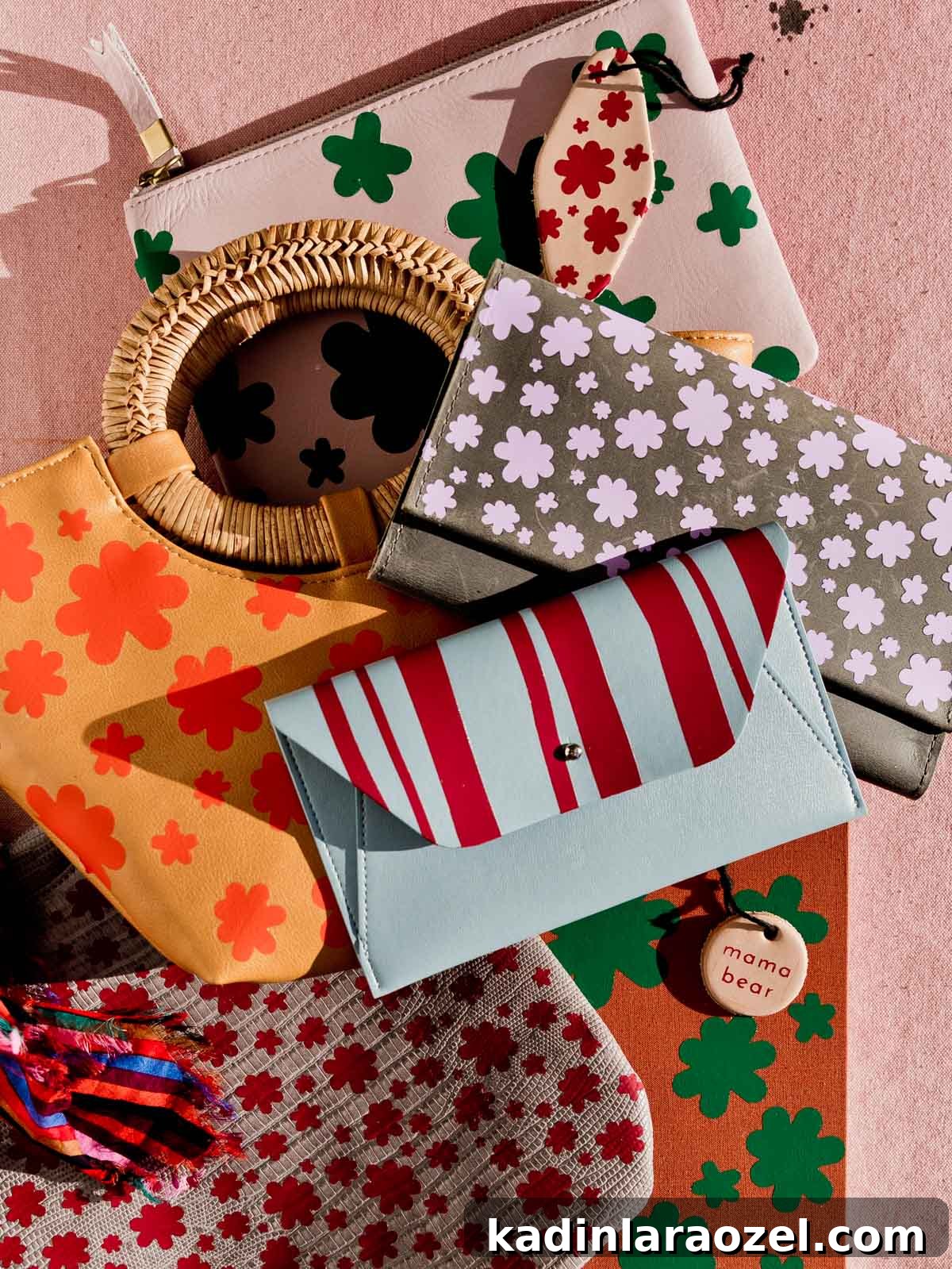
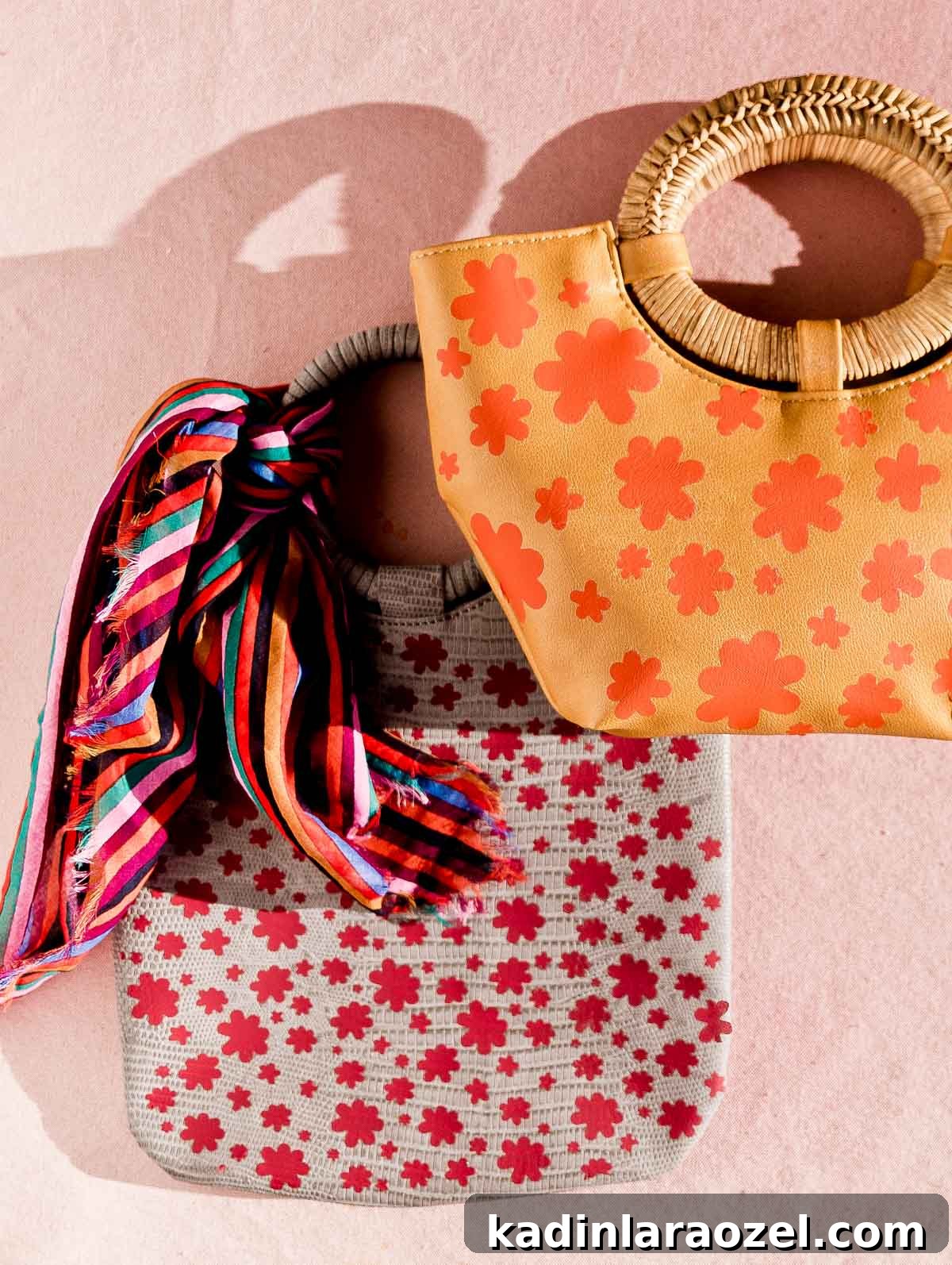
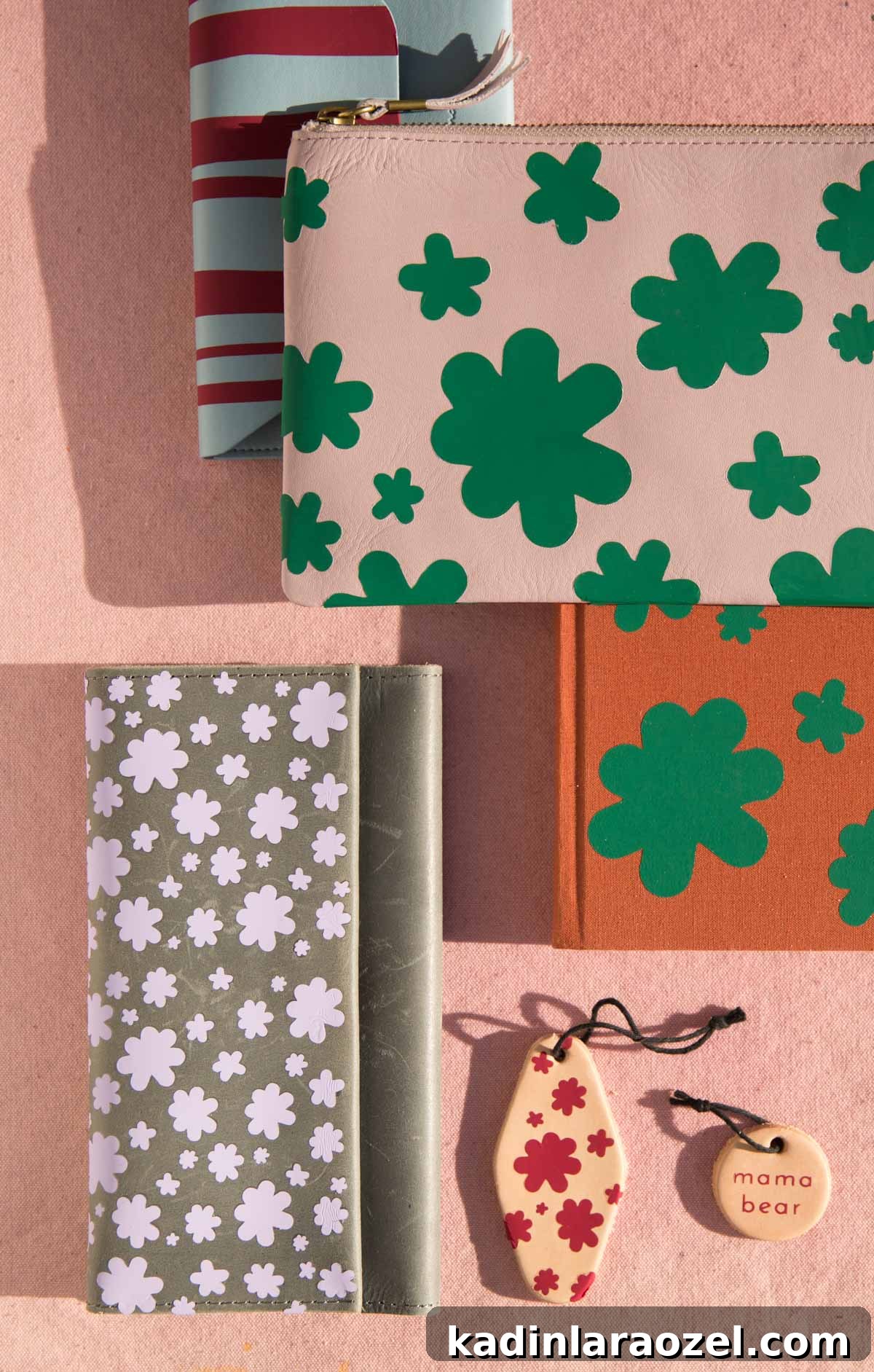
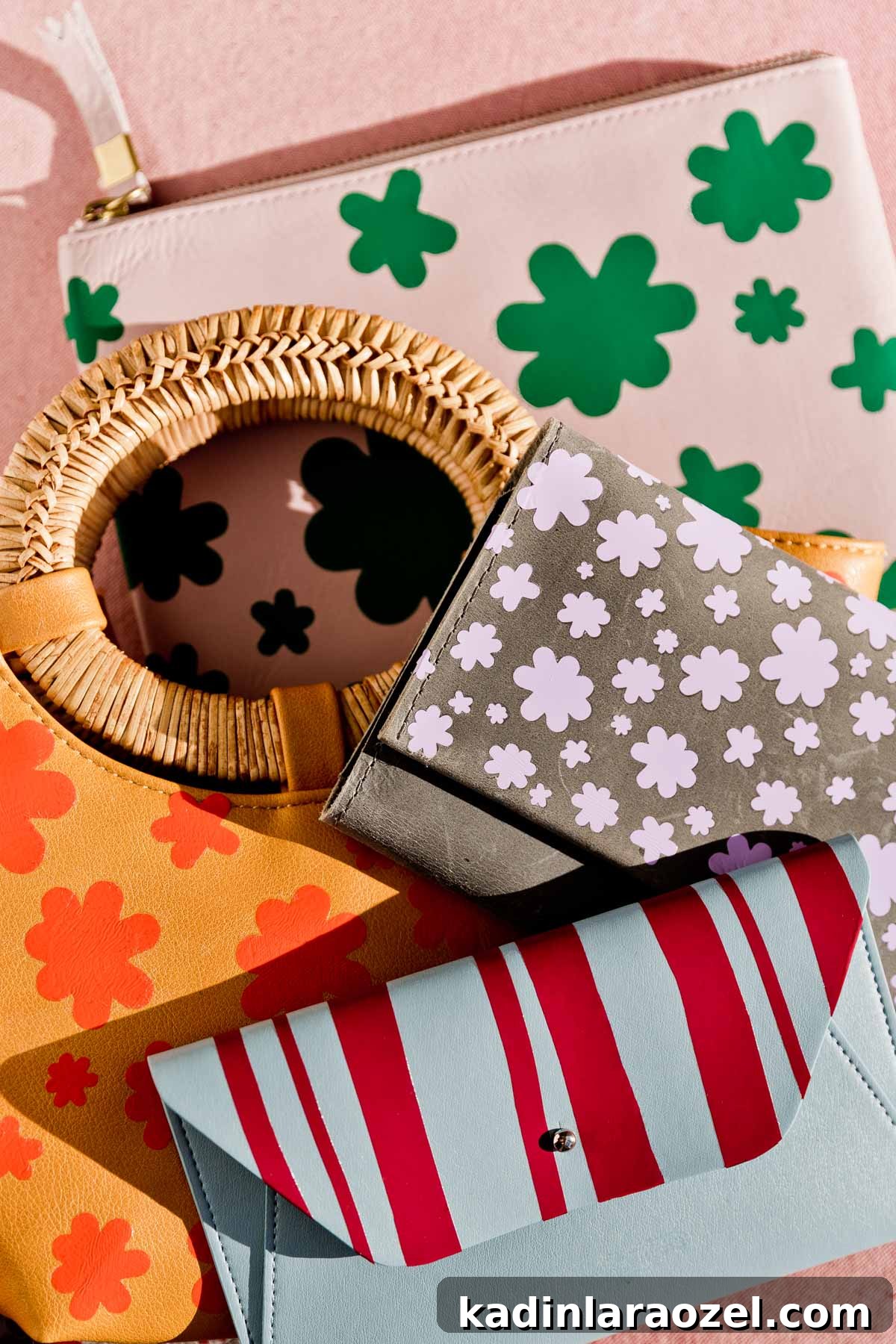
I’ve been using it nonstop to make iron-on designs for purses, wallets, keychains and more—you can see several examples in the photo above. With Mother’s Day approaching, these iron-on ideas make quick, personalized gifts for moms or for yourself.
Below I share everything I made and include free design files so you can recreate these projects.
If you’ve never used a Cricut Maker or an EasyPress 2, I highly recommend trying them. Together they let you create a wide range of items.
The Cricut Maker cuts, writes and scores on hundreds of materials—from iron-on vinyl (used in these projects) to fabric, basswood, leather and more. It currently cuts more material types than any other Cricut machine.
The EasyPress 2 delivers consistent, durable iron-on results in under a minute. Both tools are quick to set up and simple to use. You can upload your own designs or choose from a vast library of ready-to-make projects and templates via Cricut’s Design Space for inspiration.
Once you have your cuts, use the EasyPress 2 to transfer designs onto t-shirts, pouches, bags and many other items.
Illustrators and pattern designers will especially love this combination because you can create custom patterns for almost anything—notebooks, pouches, clothing, bandanas and more. But even if you’re not an illustrator, you can use pre-made designs. I created several simple patterns and small messages for Mother’s Day that you can download below for free.
Design Files for DIY Iron-On Projects
- Download the Flower Power Iron-On Design here.
- Download the Uneven Stripes Iron-On Design here.
- Download the Mama Bear Iron-On Design here.
You can resize these files in Cricut’s Design Space to fit the scale of your project.
Iron-On Process (How To)
1. I created a few simple patterns and small graphics for the pieces I wanted to make. I’m not an illustrator—these were basic files created in Photoshop.
2. Next, I cut the designs using Cricut Everyday Iron-On with my Cricut Maker. Iron-on vinyl comes in many colors, so you can pick shades that match your items.
3. After cutting, I weeded each design—removing the excess material with a weeding tool, which is straightforward and quick.
Using a Cricut EasyPress
4. Then I used the EasyPress 2 to heat-set the designs. Follow the instructions that come with the machine: turn it on, choose the temperature for your material, set the timer, and wait for the device to reach the target temperature. Once the EasyPress beeps, it’s ready.
For these projects I used a baseline setting of 315°F for 20 seconds, then adjusted the time as needed depending on the material. After pressing, allow the material to cool before removing the backing to reveal the finished design.
Quick tip: for any lettering designs, remember to check the Mirror option in Cricut Design Space before cutting so the text reads correctly after pressing.
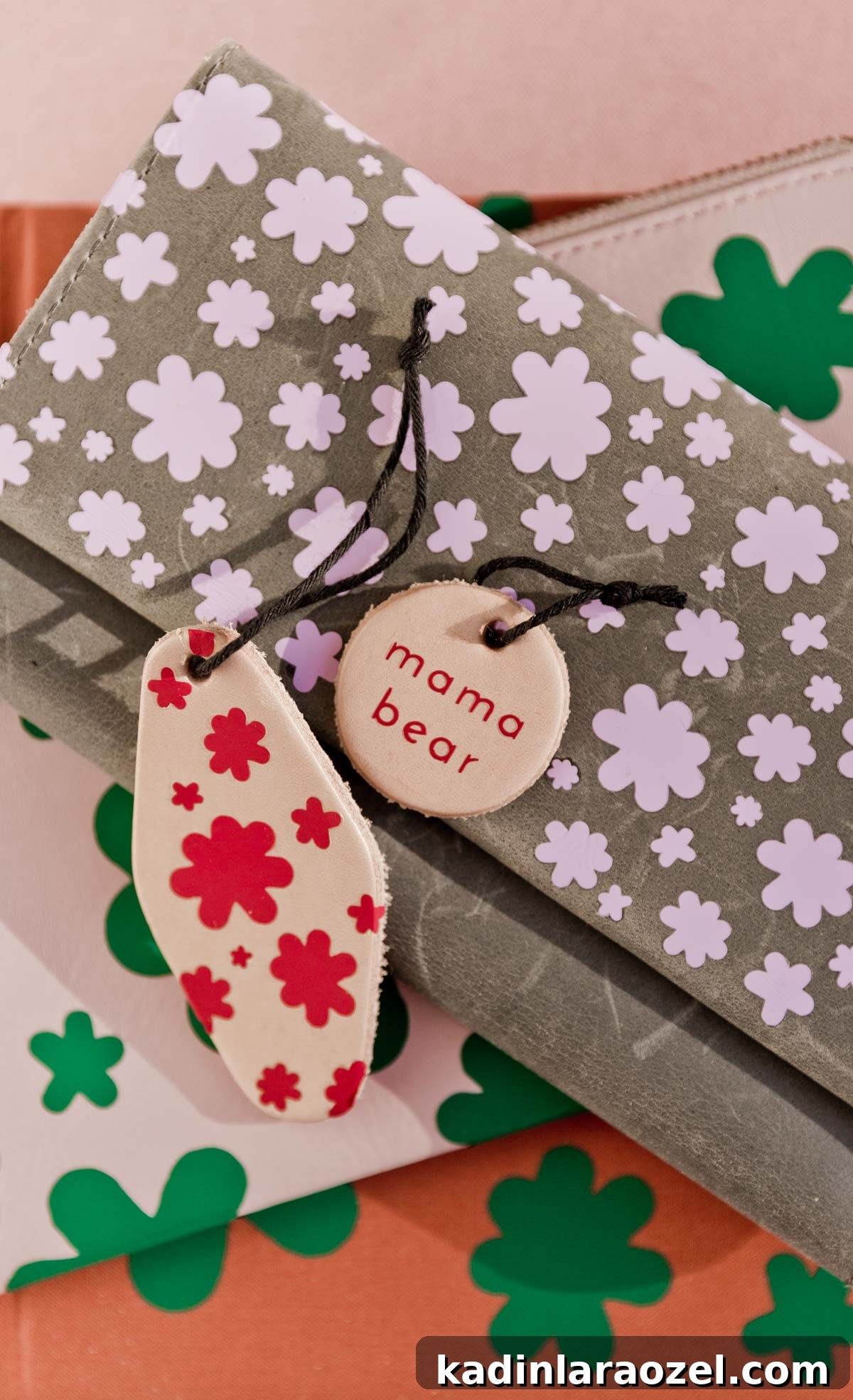
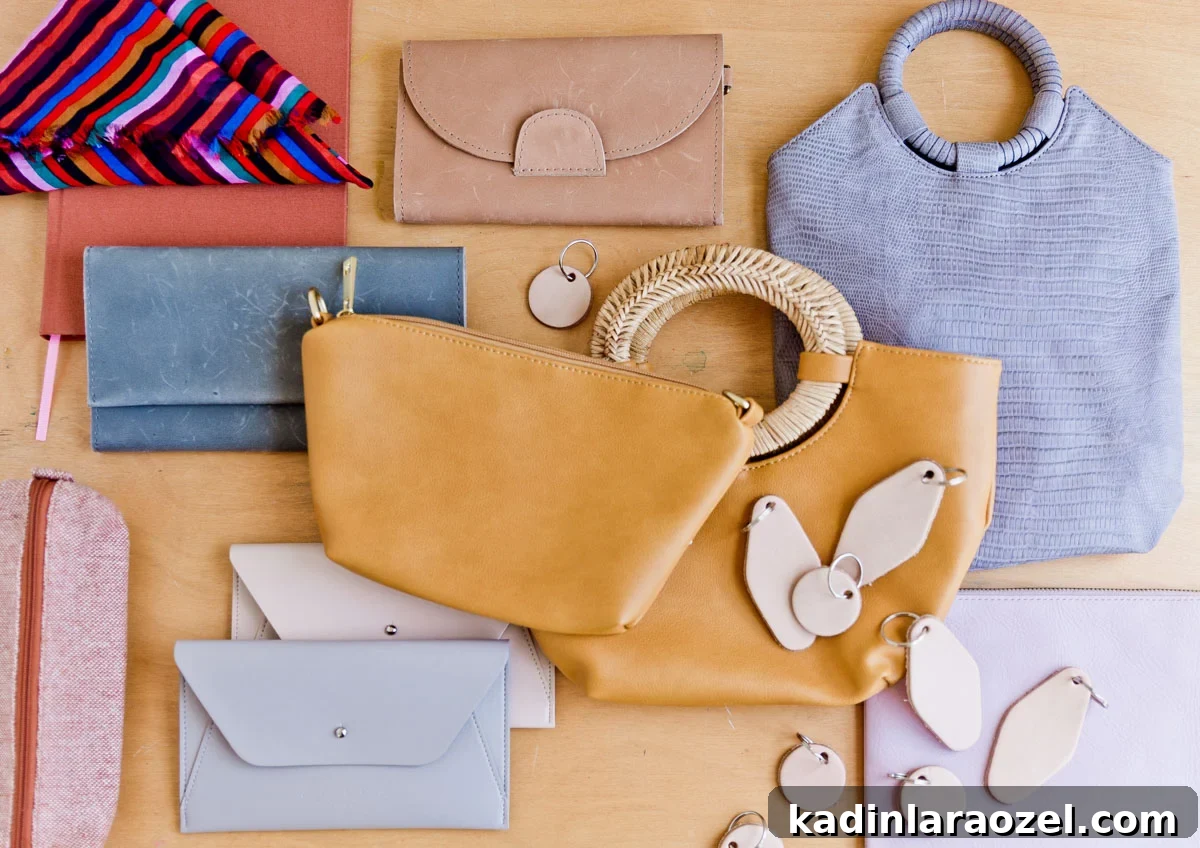
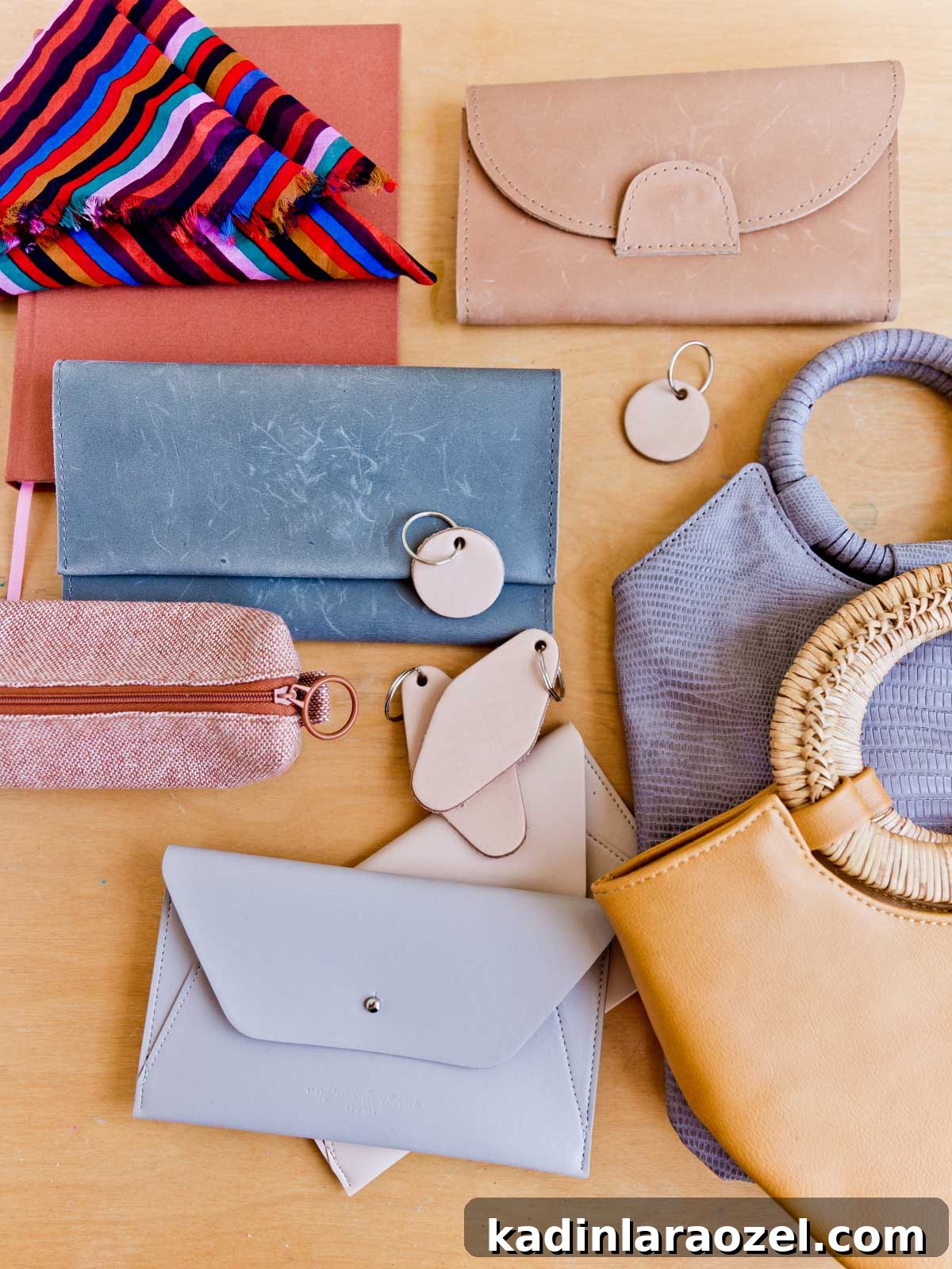
Here are the items I used as bases for my designs: a yellow purse with an oval handle, a grey-blue wallet, a faux crocodile purse (from Anthropologie), a rust-colored notebook, a lilac clutch, a blue envelope clutch, and leather keychain blanks purchased locally. The iron-on colors I chose were lilac, orange, kelly green and wine.
What do you think of the finished iron-on projects? Which one is your favorite? I’d love to hear which designs inspire you to try a project of your own.