Create a Personalized Baby Board Book: 3 Creative DIY Methods
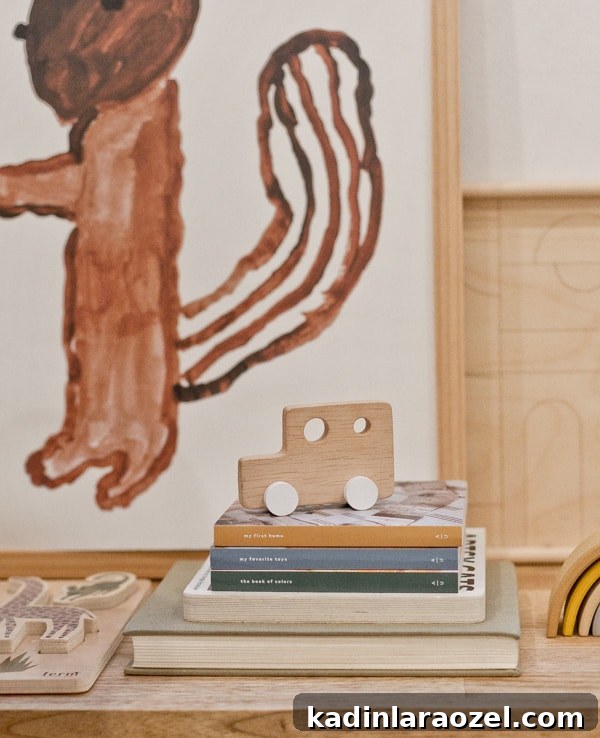
I made a few baby board books for my toddler and wanted to share how I did it because my son absolutely loves them. Anyone can do this.

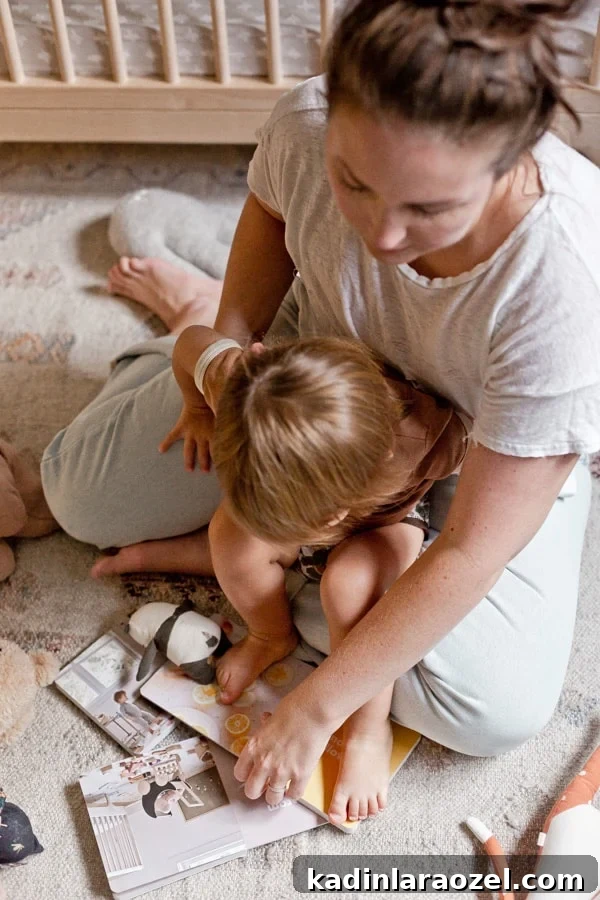
My son is obsessed with books, especially board books, so I decided to try making a few personalized board books for him. It turned out to be simple and really fun. I used Artifact Uprising to design and print three board books for Hayes, and I’ll walk through exactly how I created them so you can make your own.
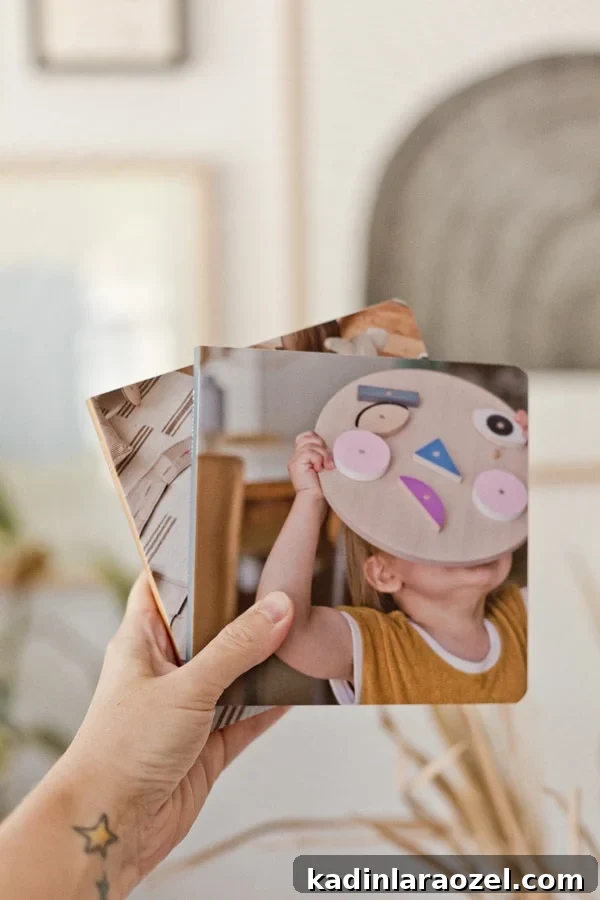
The printing quality is excellent and the pages are matte, which I prefer over glossy finishes. The books are also sturdy enough to stand up to toddler use, with rounded corners and a small size that’s easy for little hands to hold.
I aimed to create books that blend learning and memory—something sentimental but still durable enough for daily play. The result is a set of books that he can enjoy and handle without worry.
Board Book Theme Ideas
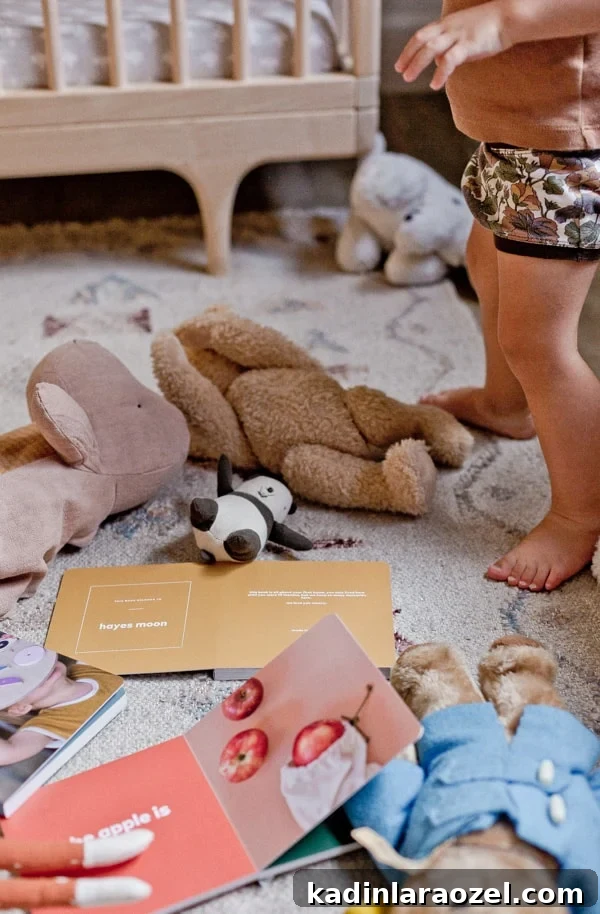
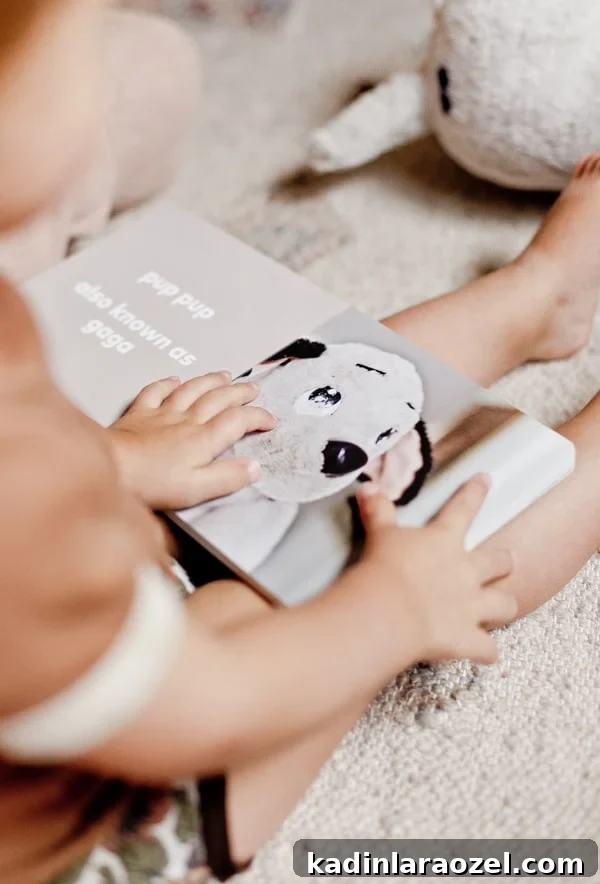
I made three different books using Artifact Uprising’s Baby Board Book option. Each book focuses on something we’ve been practicing lately or things I knew he’d love to revisit repeatedly. All photos are ones I took, and two of the books include short phrases tied to memories or things he enjoys.
One book highlights his favorite toys. The idea is that he can point to a toy in the book and say its name out loud, practicing vocabulary and recognition. He already knows many toy names and gets excited when he names them correctly. Sometimes we extend the activity by finding the real toy around the house to connect the photo with the physical object.
Another book focuses on colors, which is a concept we’ve been working on. I selected photos that feature a particular color and paired each photo with a matching solid-color page to reinforce learning.
The third book is more sentimental and documents his first home. It celebrates small milestones and everyday moments from that time, like his first birthday, and includes photos where he appears in every spread—he lights up when he sees himself in the pictures.
How to Make a Personalized Baby Board Book
There are several ways to create baby board books, but I chose Artifact Uprising because of their build and print quality, and their clean, modern aesthetic.
Below is the step-by-step process I used to make each board book on Artifact Uprising.
1. Gather photos or take new ones
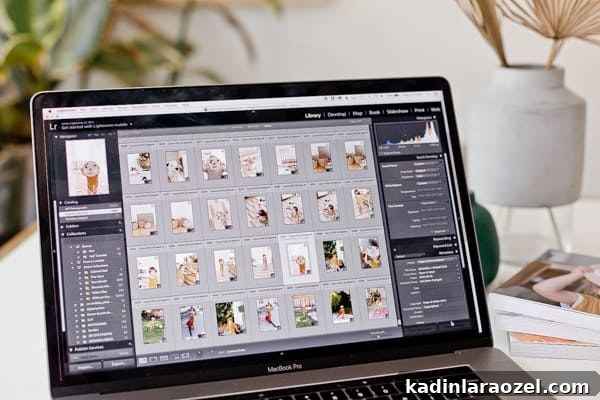
First, I reviewed my existing photos and made a quick list of shots I still needed. For the color and first-home books I already had what I needed, but for the toys book I took new photos. I turned the photo session into a short activity with Hayes—he posed with his favorite toys and loved seeing the photos on my camera. The whole session took about 30 minutes with playtime included.
Afterward I transferred the photos to my computer, made light edits, and uploaded them to Artifact Uprising.
2. Choose the baby board book and customizations
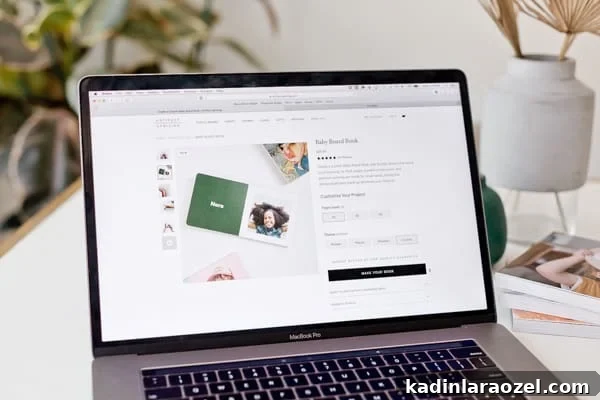
On Artifact Uprising, select Baby Board Book from the photo books menu. You can choose page counts (20, 30, or 40); I used 20 pages for each book. Pick the “custom” theme if you want full control—or try their prompts for people, places, or thankful themes. Click Make Your Book to open the editor and begin your project.
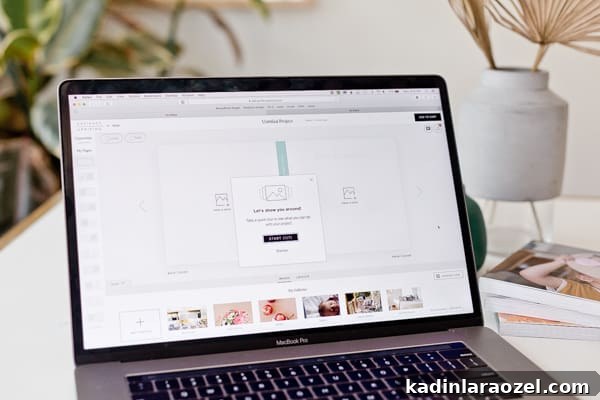
3. Start editing your book
The editor is user-friendly and offers prompts to guide you. You can name your project, pick colors, and change the spine color so sets look coordinated on a shelf. Save progress as you go so you can return later if needed.
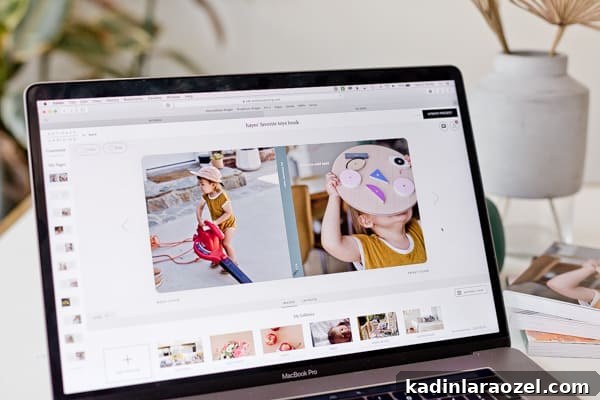
4. Add your photos
Upload photos via the Add Photos button. You can create galleries to organize images, which is helpful if you have many pictures. Click a photo to add it to the next blank page, or place images on the cover and back cover. You can recrop or replace images by selecting Edit Photo on the page preview. You can also add your child’s name to the inside cover and include a short note or poem.
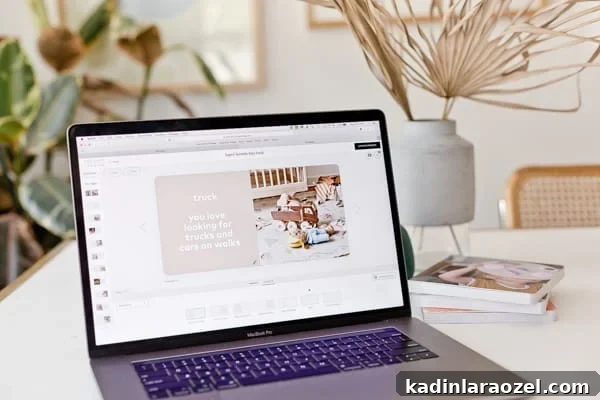
5. Adjust layouts, add text, and set colors
As you place photos, change page layouts, add text, and select background colors. Artifact Uprising offers preset colors, and you can also enter any hex color code if you want a specific shade. If you’re unsure of hex codes, a quick web search for color hex codes will give you options to paste in the editor.
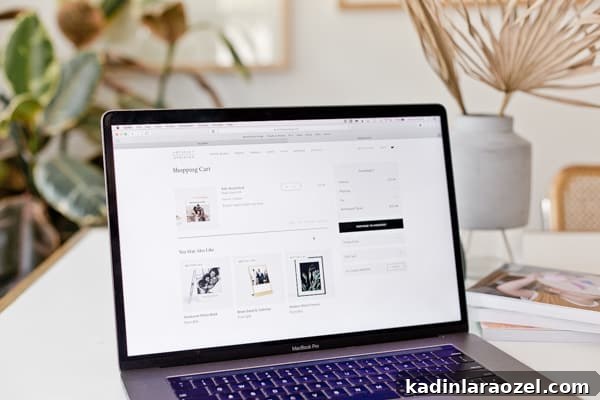
6. Add to cart and checkout
When the book is complete, add it to your cart and proceed to checkout.
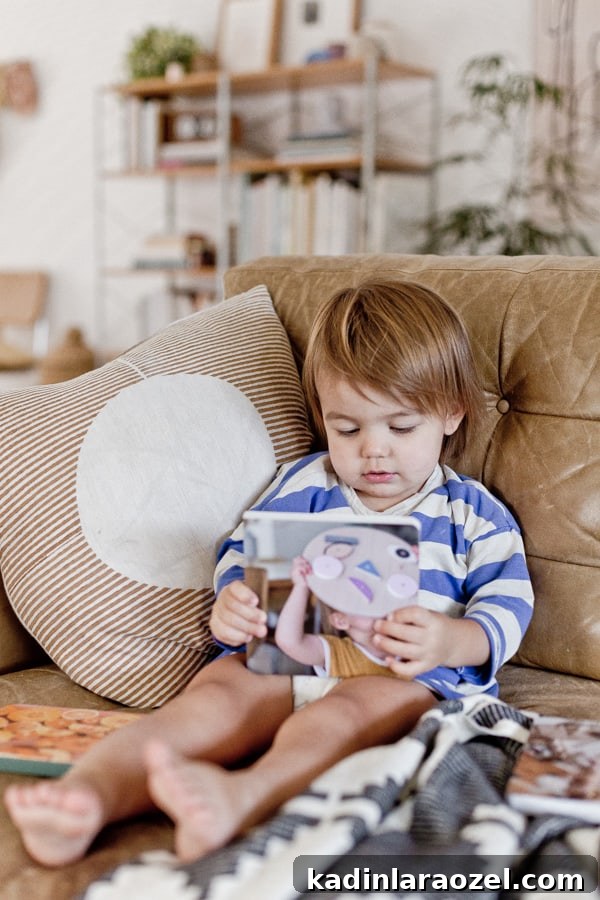
He loves these books—the pages turn easily and they’re perfect for trips in the car or visits to grandparents. They would also make a thoughtful, unique gift for a baby shower, birthday, or holiday.
If you have questions about the process or want tips on photo selection, I’m happy to help—just ask. These books have become favorites at our house, and I’m already thinking of making a set to keep at grandma’s.
This post was created in partnership with Artifact Uprising. All opinions are my own.